

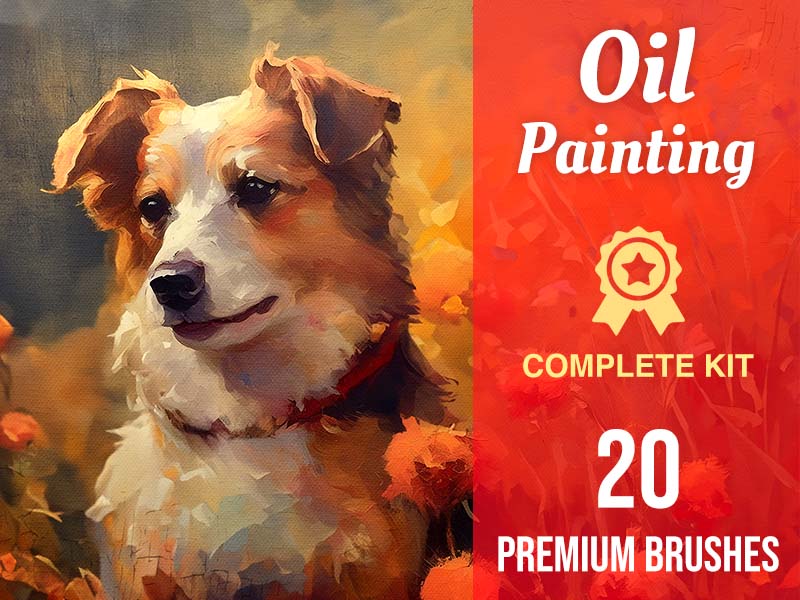
20 brushes
Oil Painting
Drawing · Oil
Find your next favorite brush. Explore expressive inks, soft watercolors, playful stamps, and everything in between.
Download on the App StoreFor iPad & iPhone · Free app with in-app purchases
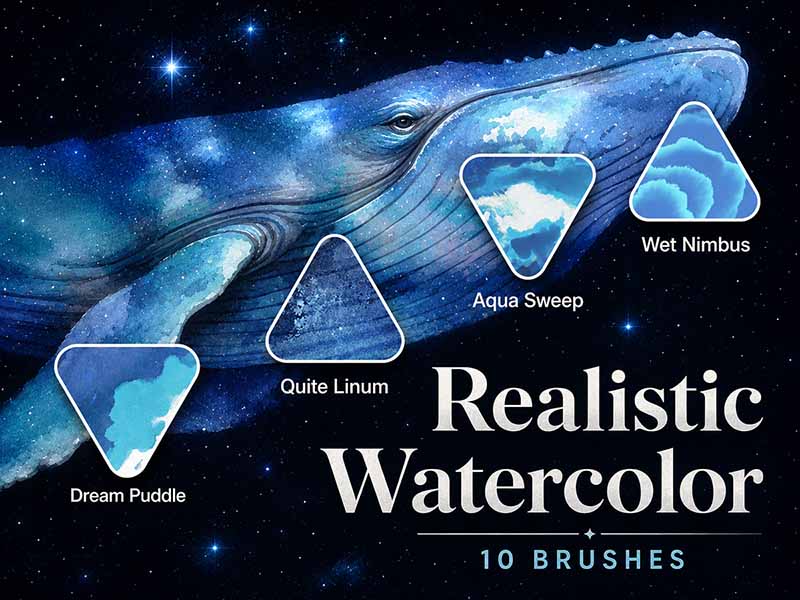
175 packs · Page 1 of 8
Drawing · Oil
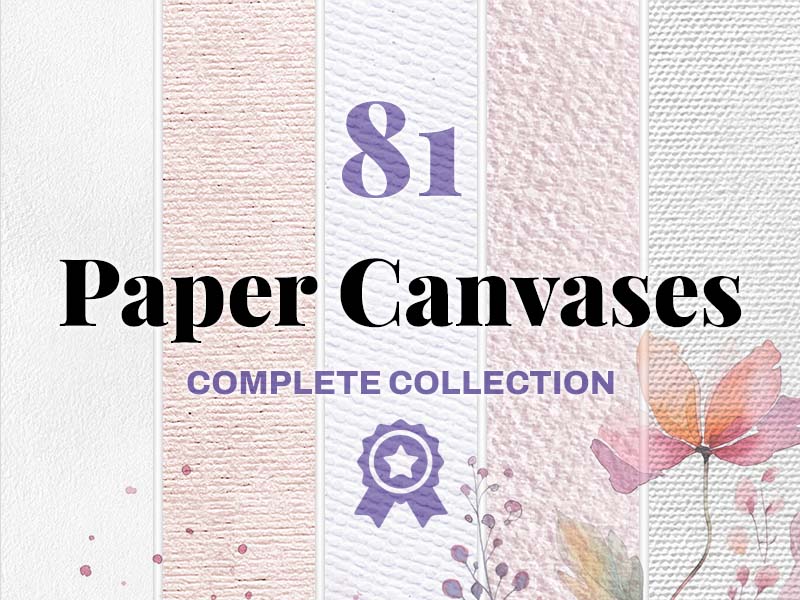
Texture · Sketching

Stamps · Elements
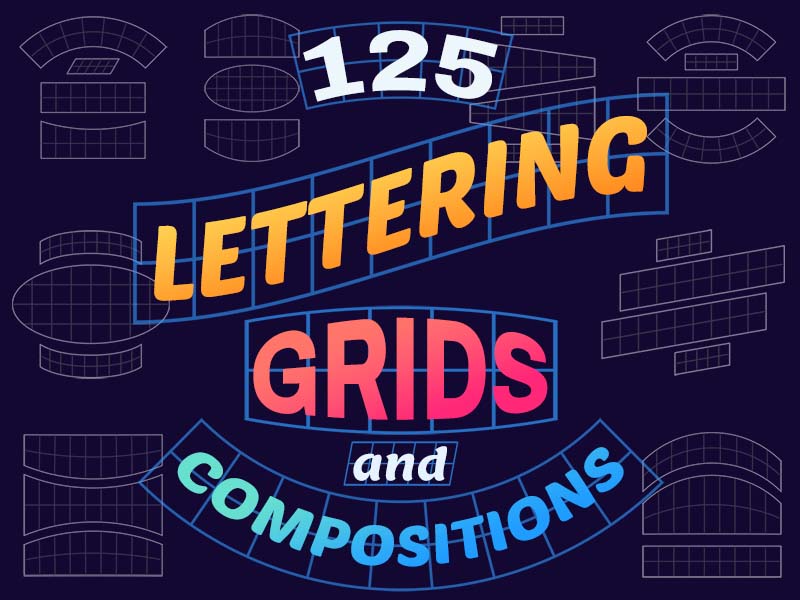
Lettering · Reference
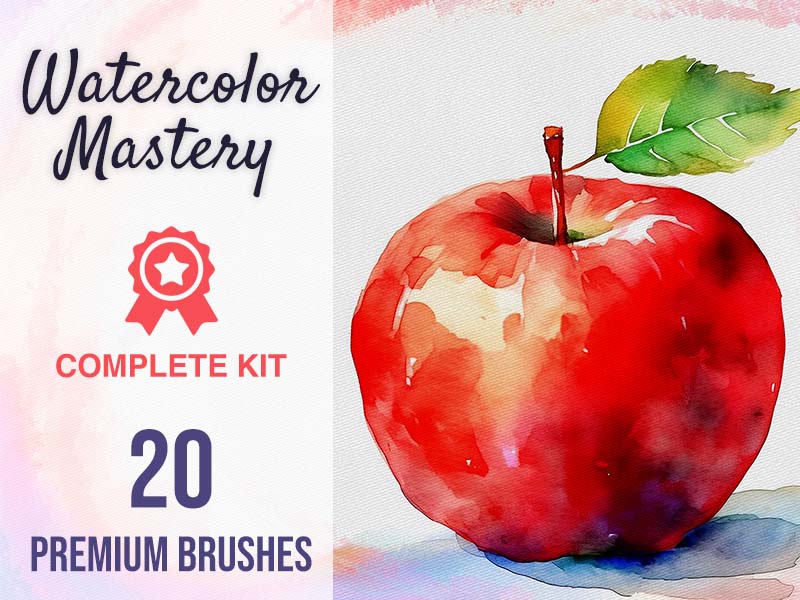
Watercolor · Drawing
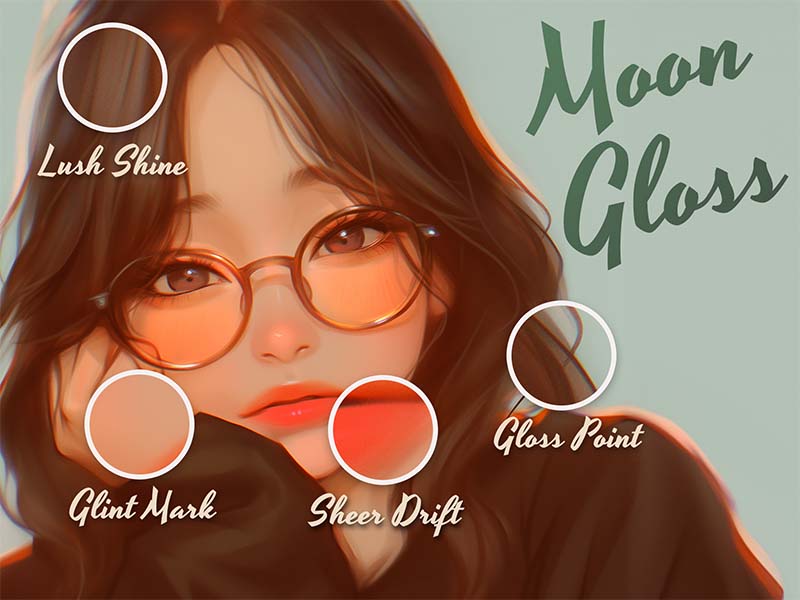
Watercolor · Glitter
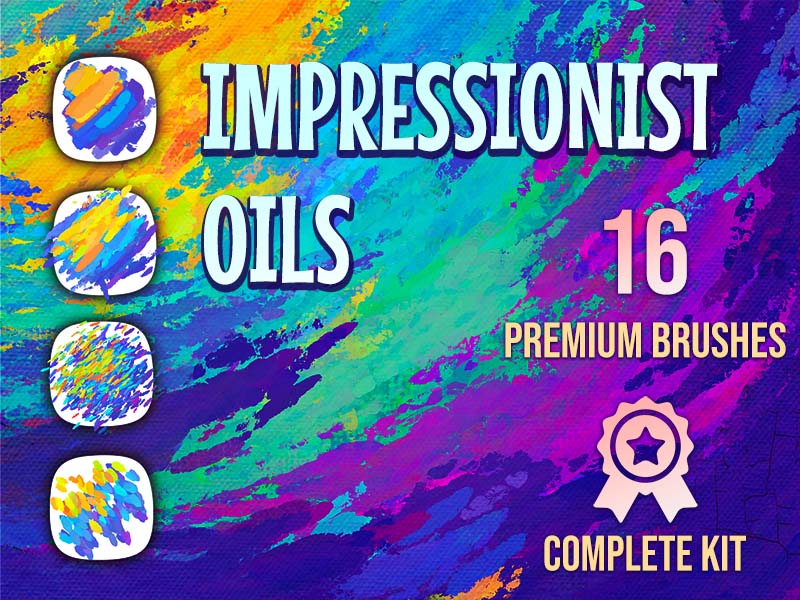
Drawing · Oil
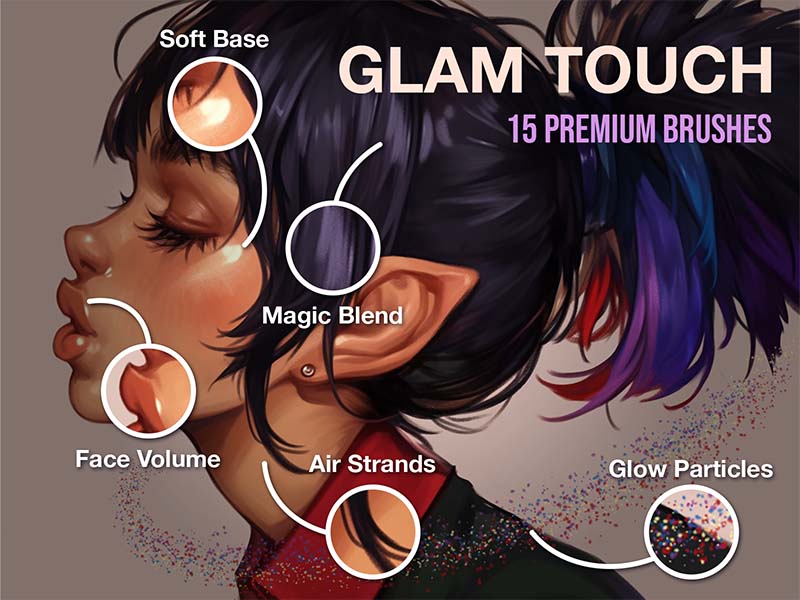
Drawing
Watercolor · Texture
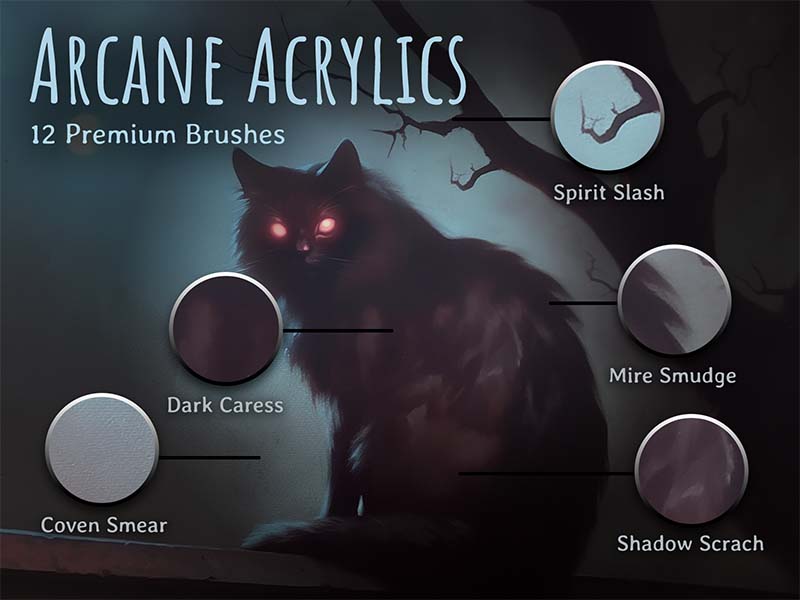
Acrylic · Texture
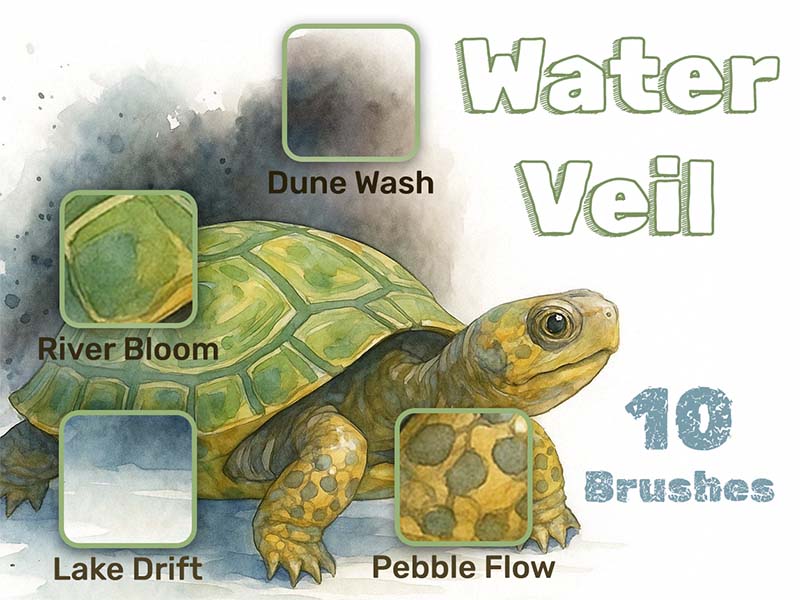
Watercolor · Drawing
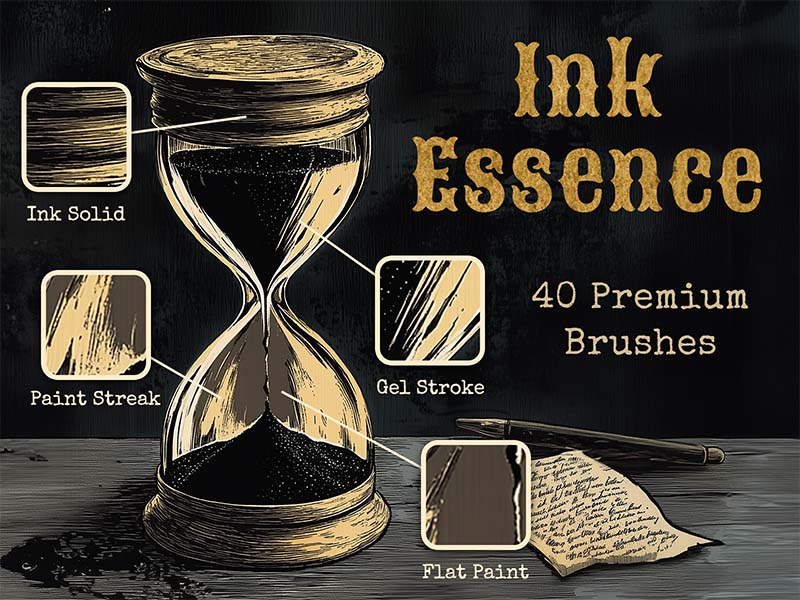
Inking · Lettering
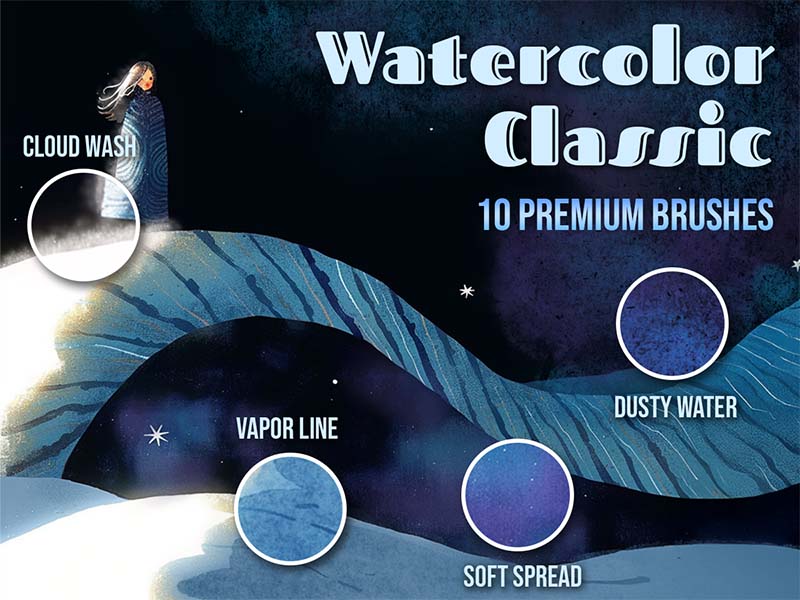
Watercolor · Texture

Stamps · Elements
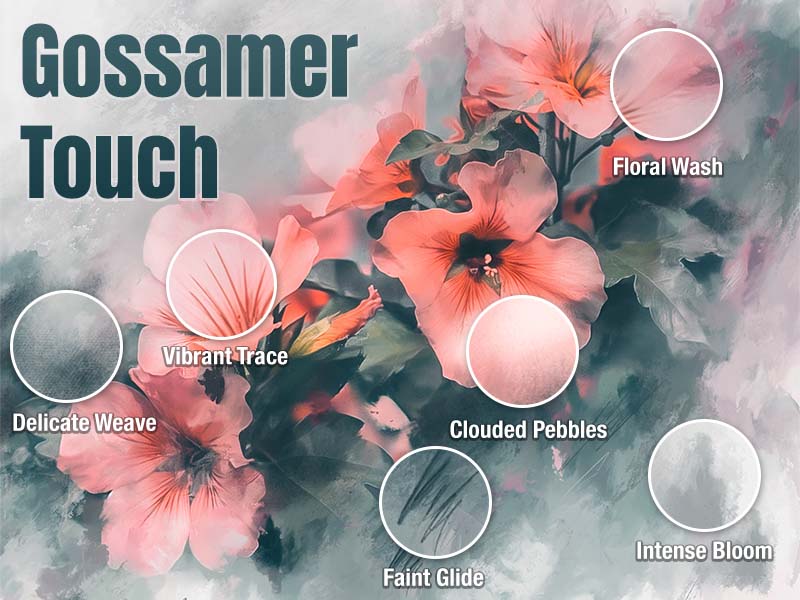
Watercolor · Gouache
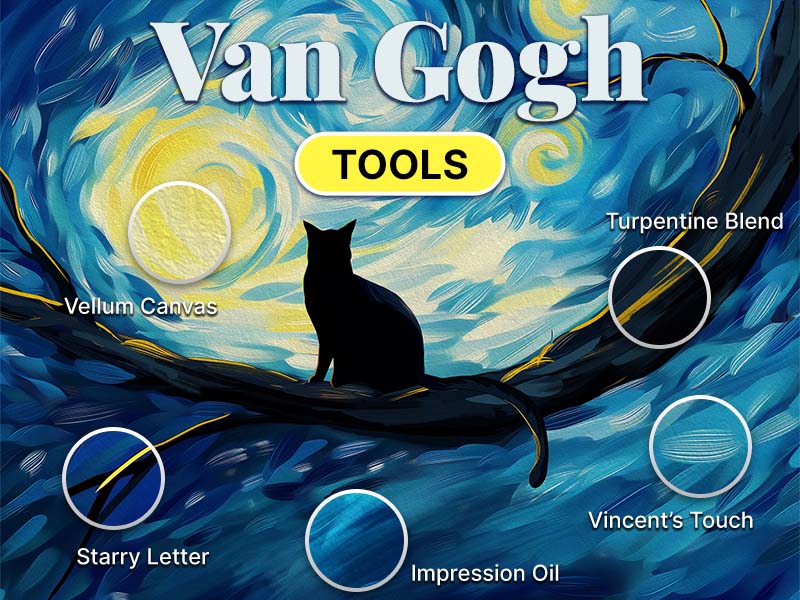
Oil · Drawing
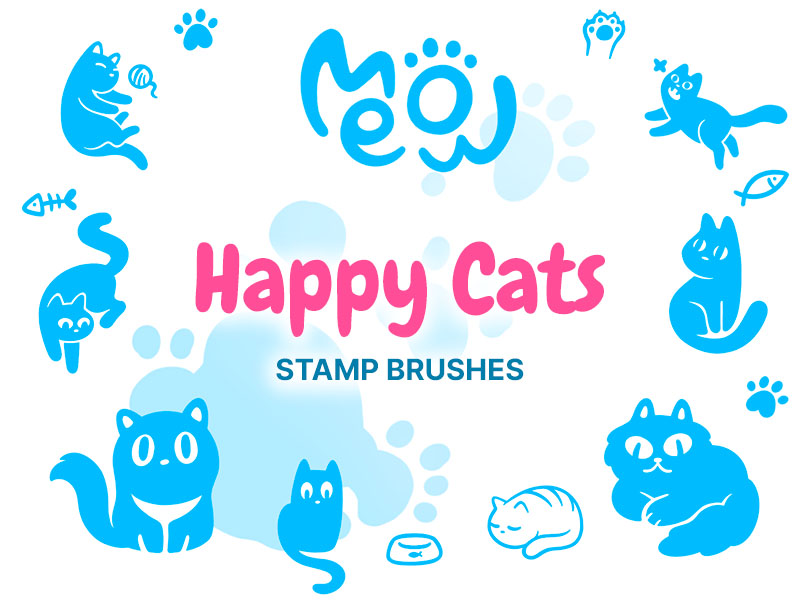
Stamps

Stamps · Abstract
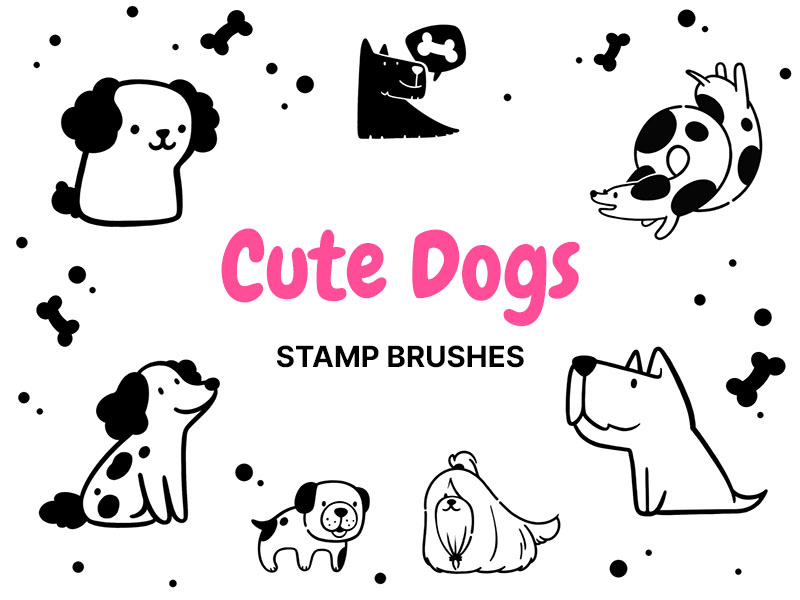
Stamps
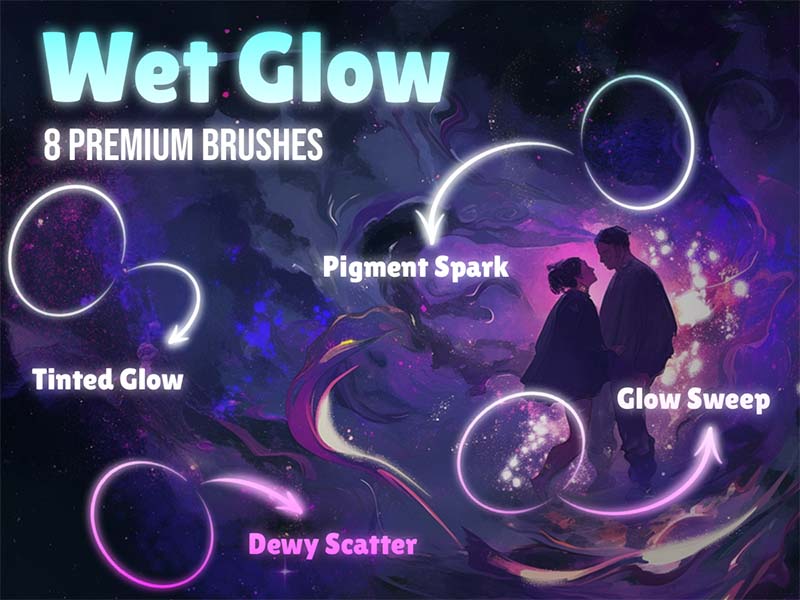
Watercolor · Texture
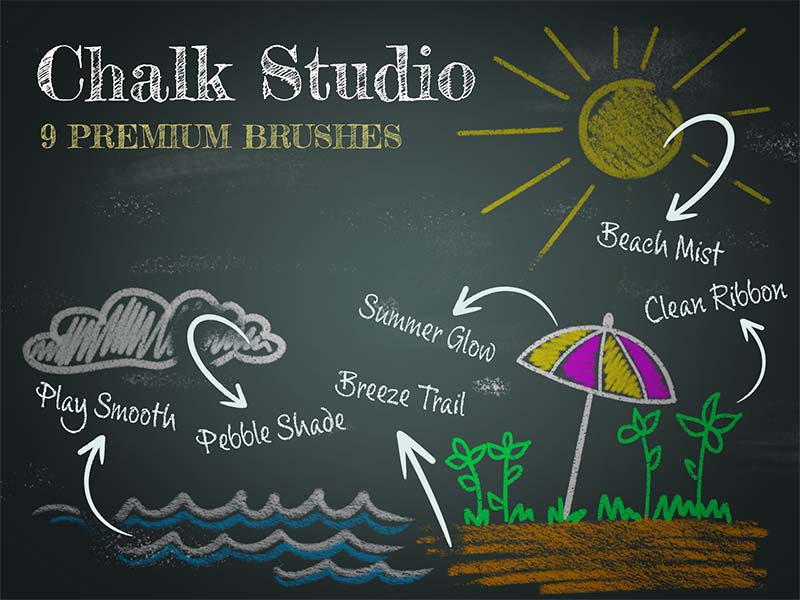
Chalk & Charcoal · Texture
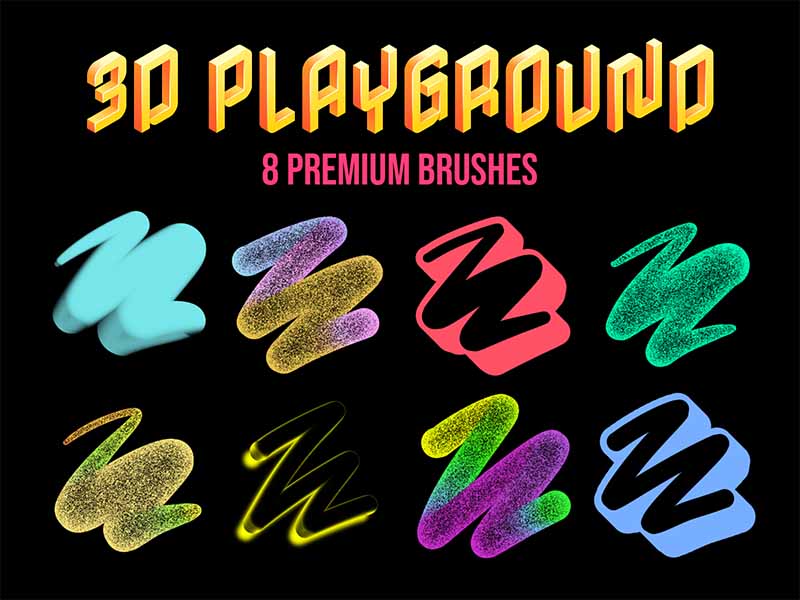
3D · Lettering
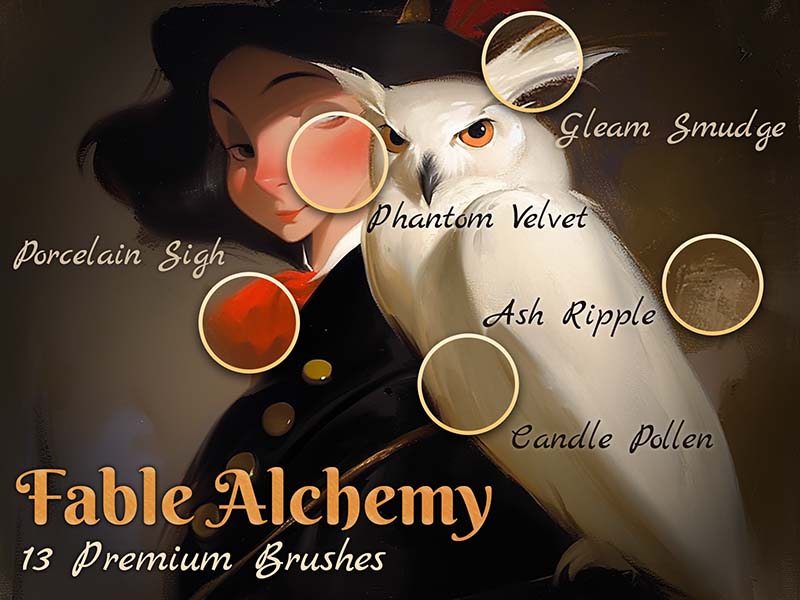
Watercolor · Oil
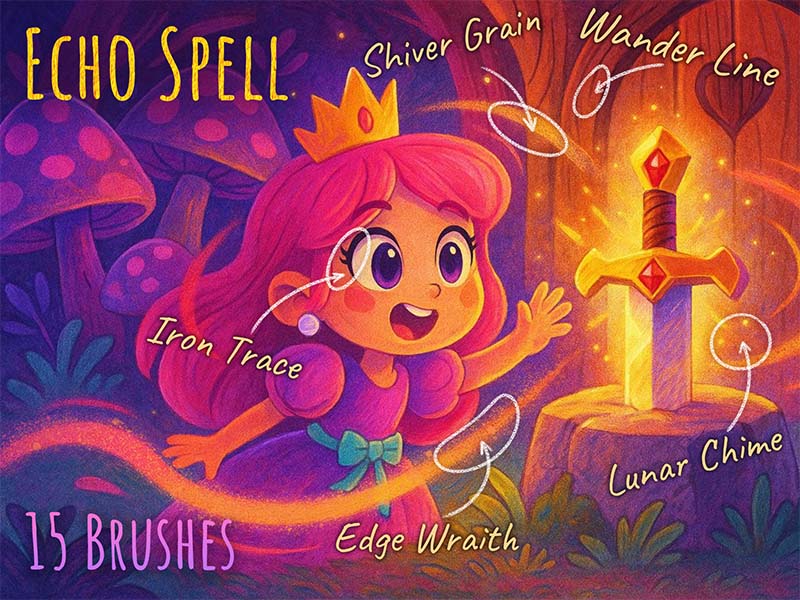
Texture · Glitter
Use Artist Brushes to bring your next set of tools into Procreate.
Download Artist Brushes for Procreate from the App Store on your iPad or iPhone.
Explore the catalog in the app and open the pack you want to use. Some content requires in-app purchases.
Use the app’s download and export options to open the brushes in Procreate on iPad or Procreate Pocket on iPhone. Procreate is required and sold separately.
Start with the medium you enjoy. Watercolor brushes suit loose washes and textured painting, while inking brushes help build expressive outlines. For words and decorative strokes, explore lettering and calligraphy. Each pack page includes its description, brush count, and individual previews so you can compare marks before opening the app.
New to drawing on iPad? Pair your brushes with the Procreate course, or try the free Essential Brushes pack from Artist School.
Choose a pack on this website and use its App Store button to get Artist Brushes for Procreate. Find the pack by name in the app, then use its download and export options to import the brushes.
Artist Brushes is free to download and offers in-app purchases. Access to individual brushes and packs depends on the options available in the app. Check the app for current access and pricing.
The brushes are designed for Procreate on iPad and Procreate Pocket on iPhone. You need the appropriate Procreate app to draw with them; it is sold separately from Artist Brushes.
Artist Brushes is an independent app and is not affiliated with Procreate. Read the brush license for usage terms.
Take the Artist Brushes collection to your canvas.