Skip to content
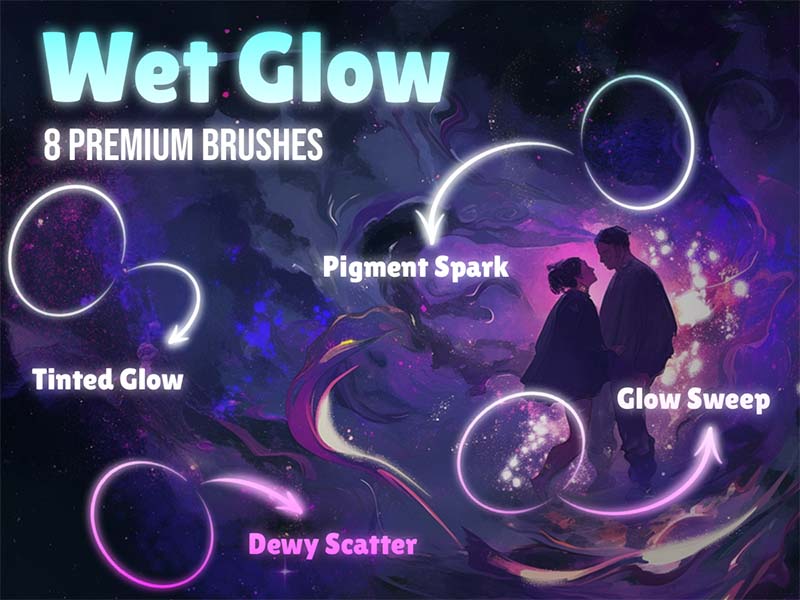
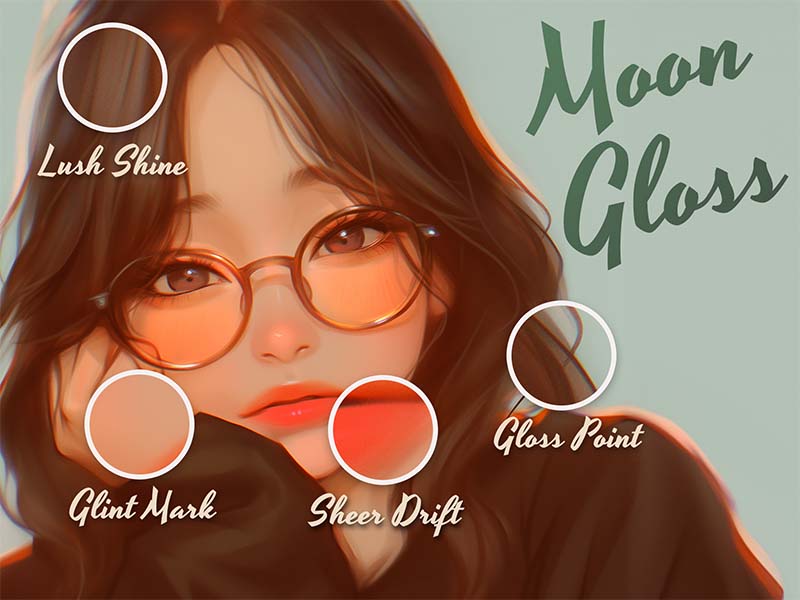
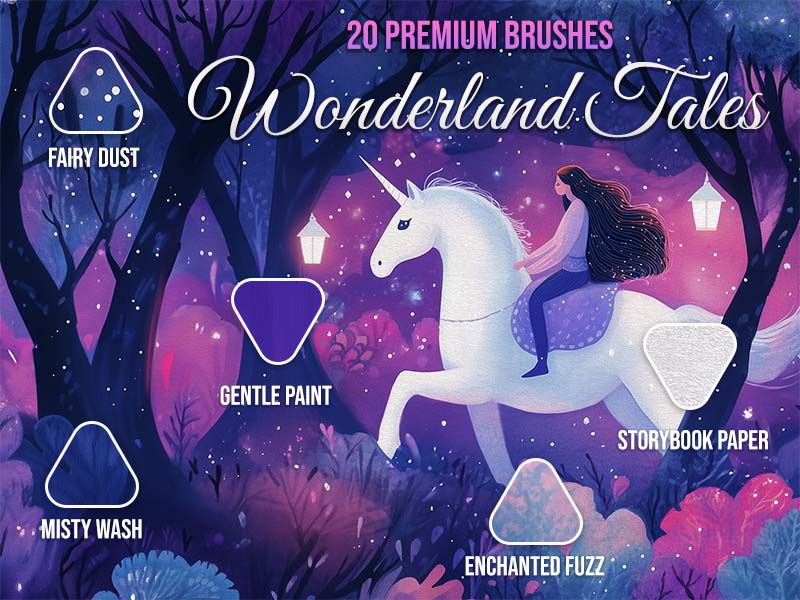
Wet Glow artwork and Procreate brush previews
Artist Brushes for Procreate

Wet GlowBrush pack for Procreate

8 brushes in this pack

Download in the app

Opens the App Store · iPad & iPhone
Some content requires in-app purchases.

Meet your next set of tools

About Wet Glow

Wet Glow brings eight radiant brushes designed to mimic luminous, shimmering watercolor strokes. From soft wet washes to glowing details, each brush adds depth, light, and a subtle magical sheen to your artwork. Perfect for creating ethereal highlights, dreamy textures, and glowing accents in any illustration.
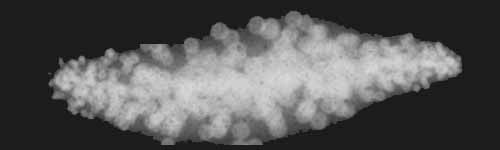
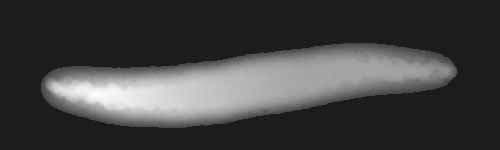
Every brush, a new possibility.

8 brushes · Full pack preview
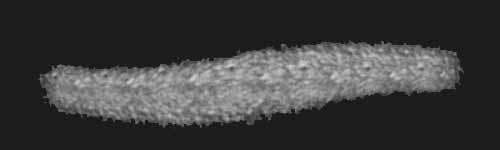
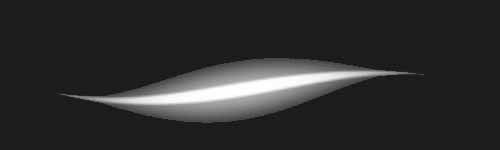
Dewy Scatter brush stroke preview from Wet Glow for Procreate
Dewy Scatter
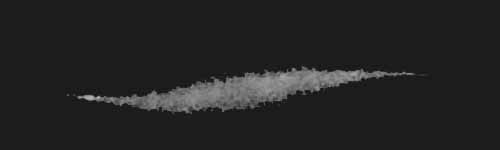
Glazed Stroke brush stroke preview from Wet Glow for Procreate
Glazed Stroke
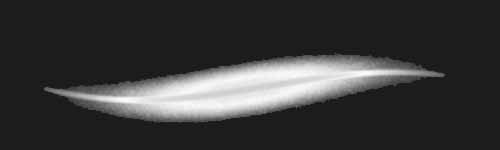
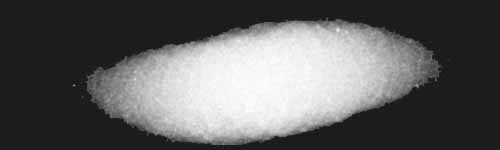
Glow Sweep brush stroke preview from Wet Glow for Procreate
Glow Sweep
Paper Aura brush stroke preview from Wet Glow for Procreate
Paper Aura
Pigment Spark brush stroke preview from Wet Glow for Procreate
Pigment Spark
Silver Slice brush stroke preview from Wet Glow for Procreate
Silver Slice
Tinted Glow brush stroke preview from Wet Glow for Procreate
Tinted Glow
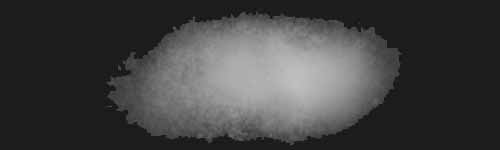
Wash Radiance brush stroke preview from Wet Glow for Procreate
Wash Radiance
From inspiration to your canvas

How to get Wet Glow

Use Artist Brushes to bring your next set of tools into Procreate.

  1. 01

    Get Artist Brushes

    Download Artist Brushes for Procreate from the App Store on your iPad or iPhone.

  2. 02

    Find your pack

    Look for “Wet Glow” in the app and open the pack. Some content requires in-app purchases.

  3. 03

    Import and start drawing

    Use the app’s download and export options to open the brushes in Procreate on iPad or Procreate Pocket on iPhone. Procreate is required and sold separately.

Make it part of your toolkit.

Find Wet Glow in Artist Brushes for Procreate.
Download on the App Store
Keep exploring

More brushes you might love