Skip to content
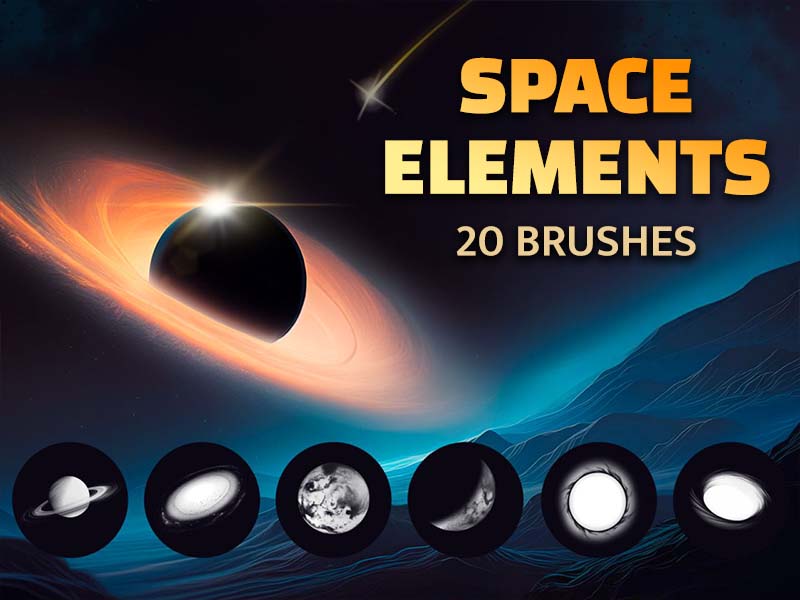
Space Elements artwork and Procreate brush previews
Artist Brushes for Procreate

Space ElementsBrush pack for Procreate

20 brushes in this pack

Download in the app

Opens the App Store · iPad & iPhone
Some content requires in-app purchases.

Meet your next set of tools

About Space Elements

Explore the wonders of the universe with our Space Elements brush set! Featuring an array of realistic planets, black holes, and stardust for backgrounds, this collection invites you to embark on a cosmic journey through space and time.

Every brush, a new possibility.

20 brushes · Full pack preview
Magic Stars brush stroke preview from Space Elements for Procreate
Magic Stars
Celestial Flare brush stroke preview from Space Elements for Procreate
Celestial Flare
Shooting Star brush stroke preview from Space Elements for Procreate
Shooting Star
Planet 1 brush stroke preview from Space Elements for Procreate
Planet 1
Planet 2 brush stroke preview from Space Elements for Procreate
Planet 2
Planet 3 brush stroke preview from Space Elements for Procreate
Planet 3
Galaxy brush stroke preview from Space Elements for Procreate
Galaxy
Black Hole 1 brush stroke preview from Space Elements for Procreate
Black Hole 1
Black Hole 2 brush stroke preview from Space Elements for Procreate
Black Hole 2
Black Hole 3 brush stroke preview from Space Elements for Procreate
Black Hole 3
Black Hole 4 brush stroke preview from Space Elements for Procreate
Black Hole 4
Half Moon brush stroke preview from Space Elements for Procreate
Half Moon
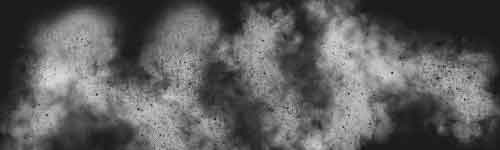
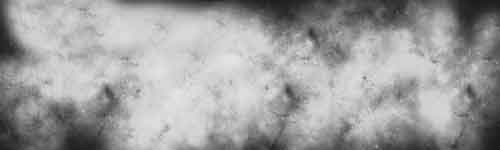
Stardust 1 brush stroke preview from Space Elements for Procreate
Stardust 1
Stardust 2 brush stroke preview from Space Elements for Procreate
Stardust 2
Stardust 3 brush stroke preview from Space Elements for Procreate
Stardust 3
Stardust 4 brush stroke preview from Space Elements for Procreate
Stardust 4
Stardust 5 brush stroke preview from Space Elements for Procreate
Stardust 5
Stardust 6 brush stroke preview from Space Elements for Procreate
Stardust 6
Stardust Splash brush stroke preview from Space Elements for Procreate
Stardust Splash
Stardust Clouds brush stroke preview from Space Elements for Procreate
Stardust Clouds
From inspiration to your canvas

How to get Space Elements

Use Artist Brushes to bring your next set of tools into Procreate.

  1. 01

    Get Artist Brushes

    Download Artist Brushes for Procreate from the App Store on your iPad or iPhone.

  2. 02

    Find your pack

    Look for “Space Elements” in the app and open the pack. Some content requires in-app purchases.

  3. 03

    Import and start drawing

    Use the app’s download and export options to open the brushes in Procreate on iPad or Procreate Pocket on iPhone. Procreate is required and sold separately.

Make it part of your toolkit.

Find Space Elements in Artist Brushes for Procreate.

Download on the App Store
Keep exploring

More brushes you might love